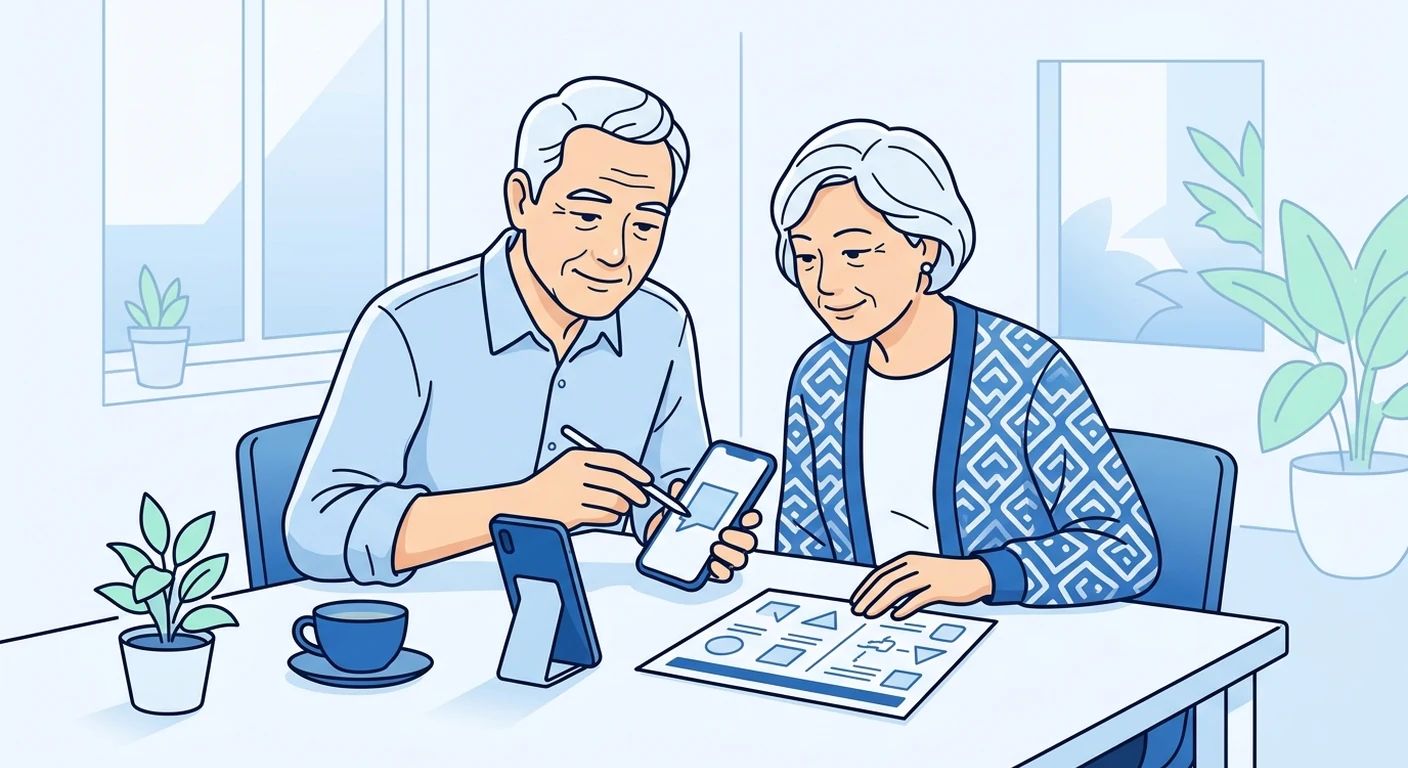
Travel eSIMs let you use mobile data overseas without buying a physical SIM card after landing. For senior travellers in Singapore, an eSIM can remove the stress of finding a local shop or fiddling with tiny cards in an unfamiliar country. This guide explains what an eSIM is, how to check if your phone supports it, and how to set it up calmly before your holiday.
What is a travel eSIM?
An eSIM is a digital SIM card built into your mobile phone. Instead of inserting a plastic card, you scan a QR code or enter a code to download a data plan. TPG Mobile sells travel eSIMs for overseas use, but it does not own a mobile network or hold a Singapore telecom licence. The eSIM simply gives you data access on partner networks in your destination.
For a senior traveller, the main benefit is convenience. You can prepare everything at home, with your family’s help if needed, and avoid language barriers or currency confusion abroad. You also keep your usual Singapore SIM in the phone, so you can still receive calls and messages on your normal number while using the eSIM for data.
Check if your phone supports eSIM
Not every mobile phone has eSIM capability. Most recent models from Apple, Samsung, Google, and Huawei support eSIM, but older or budget models may not. To find out, check your phone’s settings under “Mobile Networks” or “Connections” for an option like “Add eSIM” or “Add Mobile Plan”. If you are unsure, you can ask a family member or visit a phone store to confirm.
It is also important to check that your phone is unlocked. A phone locked to a specific carrier may not accept an eSIM from another provider. If you bought your phone directly from a manufacturer or from a Singapore shop without a contract, it is likely unlocked, but it is best to verify.
Choose the right data amount
Before buying a travel eSIM, think about how much data you usually use. Checking maps, messaging, and browsing uses about 1GB to 2GB per week for light use. If you plan to stream videos or make video calls, you will need more. TPG Mobile offers a range of data plans for different destinations, but the exact prices and data amounts vary by plan and destination, so check the product page for the latest details.
If you are unsure, choose a plan with a little extra data. Running out of data on a trip is inconvenient, but you can often top up or buy another eSIM if needed. However, do not assume that every plan is rechargable; some are single-use. Read the plan description carefully before purchasing.
Install the eSIM before you leave
The best time to install your travel eSIM is at home, connected to Wi-Fi. This avoids the rush of setting up after landing when you might be tired or without a stable connection. The process usually involves scanning a QR code or entering a code that TPG Mobile sends you after purchase. Follow the on-screen instructions, and the eSIM profile will download to your phone.
After installation, you may need to enable data roaming for the eSIM line in your phone settings. Some phones ask you to choose which SIM uses data. Select the eSIM for data, but keep your Singapore SIM active for calls and messages if you want. The eSIM will not provide a Singapore mobile number; it is only for overseas data.
Keep a printed backup of instructions
Technology can be unpredictable, and you might not have your glasses or a steady hand when you need to check something. Before departure, print a copy of the setup instructions and your eSIM QR code or activation code. Keep it in your wallet or travel documents. If you need to reinstall the eSIM on a new phone or if you delete it by accident, the printed backup can save you.
Also note down the customer support contact for TPG Mobile, but do not assume they offer 24/7 live chat or phone support. The response time may vary, so it is wise to solve any setup issues before you leave. If you get stuck, a family member or a friend with technical experience can help.
Ask a family member for help
If you are not confident with phone settings, ask a younger family member or a friend to help you set up the eSIM before your trip. They can check compatibility, download the profile, and show you how to switch between your Singapore SIM and the eSIM. It is a good idea to do a test connection at home, perhaps by turning off Wi-Fi and checking that the eSIM connects to a mobile network.
During the trip, you can still call or message your family using your usual SIM for calls, or use messaging apps over the eSIM data. If you are travelling with grandchildren, they might be able to help if you have any issues, but having a printed backup ensures you are not dependent on someone else’s memory.
Use the eSIM on arrival
When you land, your phone should automatically connect to a partner network if data roaming is enabled for the eSIM line. If it does not, go to your phone settings and manually select a network. You may need to wait a few minutes for the phone to find the network, especially in large airports.
Once connected, you can use maps, translation apps, or messaging without worrying about expensive roaming charges. However, TPG Mobile does not own networks, so coverage and speed depend on the partner network in each destination. In remote areas, you might have slower speeds or no signal, just like with any other provider.
If something goes wrong
If the eSIM does not work after installation, first check that you have selected the correct SIM for data and that data roaming is on. Restart your phone and try again. If the problem continues, refer to the printed instructions or contact TPG Mobile support. Remember that support response times can vary, and TPG Mobile cannot guarantee a specific resolution time.
You can also reinstall the eSIM using the printed QR code if the profile is deleted. If your phone is lost or broken, you may need to buy a physical SIM at your destination, but an eSIM can be reinstalled on a new compatible phone if you have the activation code.
Travel with confidence
Travel eSIMs are a simple way for senior travellers to stay connected without the hassle of roaming charges or buying a SIM abroad. By checking compatibility, choosing the right data plan, and installing everything before departure, you can enjoy your holiday with less stress. Keep a printed backup, ask for family help if needed, and remember that TPG Mobile is a storefront for travel eSIMs, not a network operator. With a little preparation, you can focus on the journey rather than your phone.
