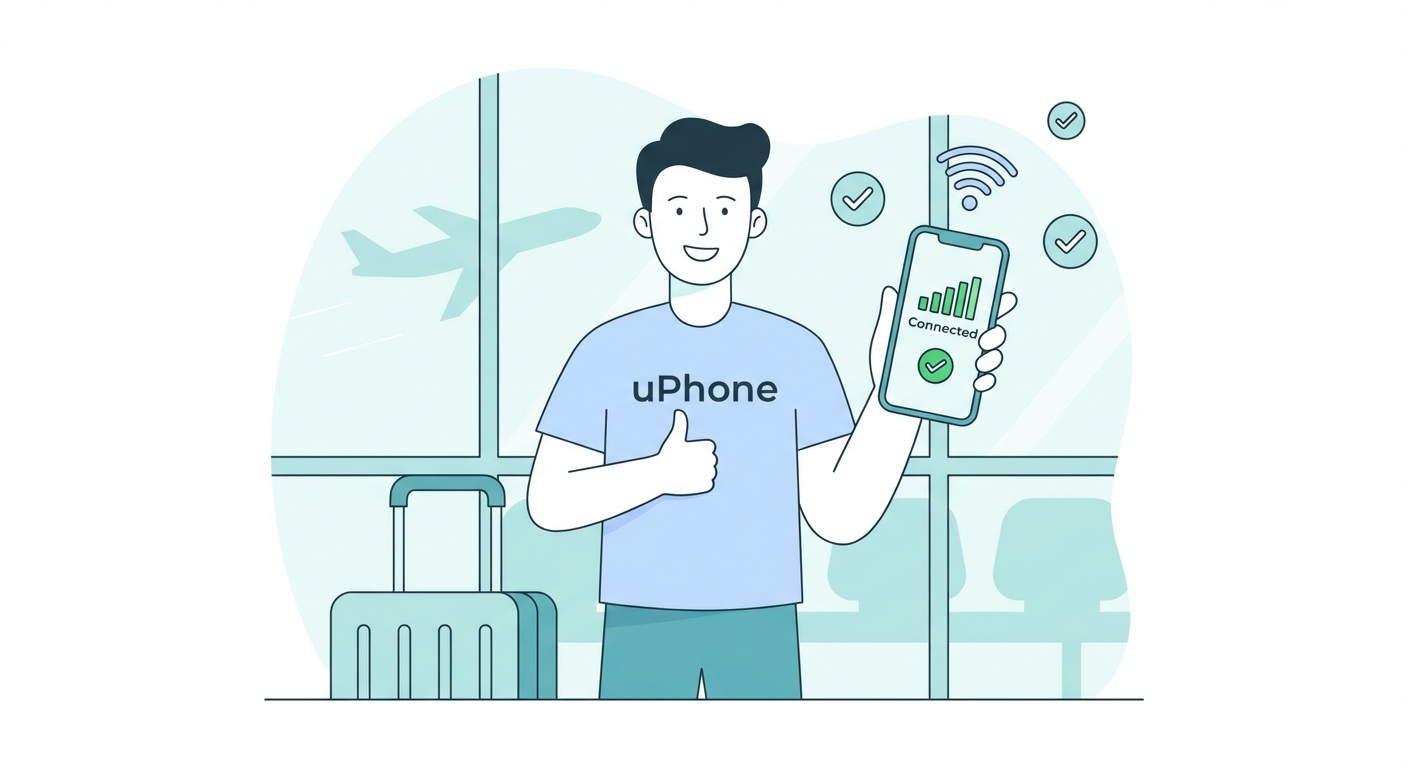
From purchase to connected
in under 2 minutes.
Skip the store. Skip the physical SIM. Skip the wait. Just pick a plan, pay, and scan.
Browse plansHow eSIM works
Step
1
Choose your plan
Browse plans by country (such as Japan, USA or UK), region (Europe, Asia…), or pick a global plan that covers all your destinations. Filter by data size and validity to match your trip exactly.
- 150+ countries and regions
- 1 GB to unlimited data
- 1-day to 365-day validity
- Prices in your local currency

Step
2
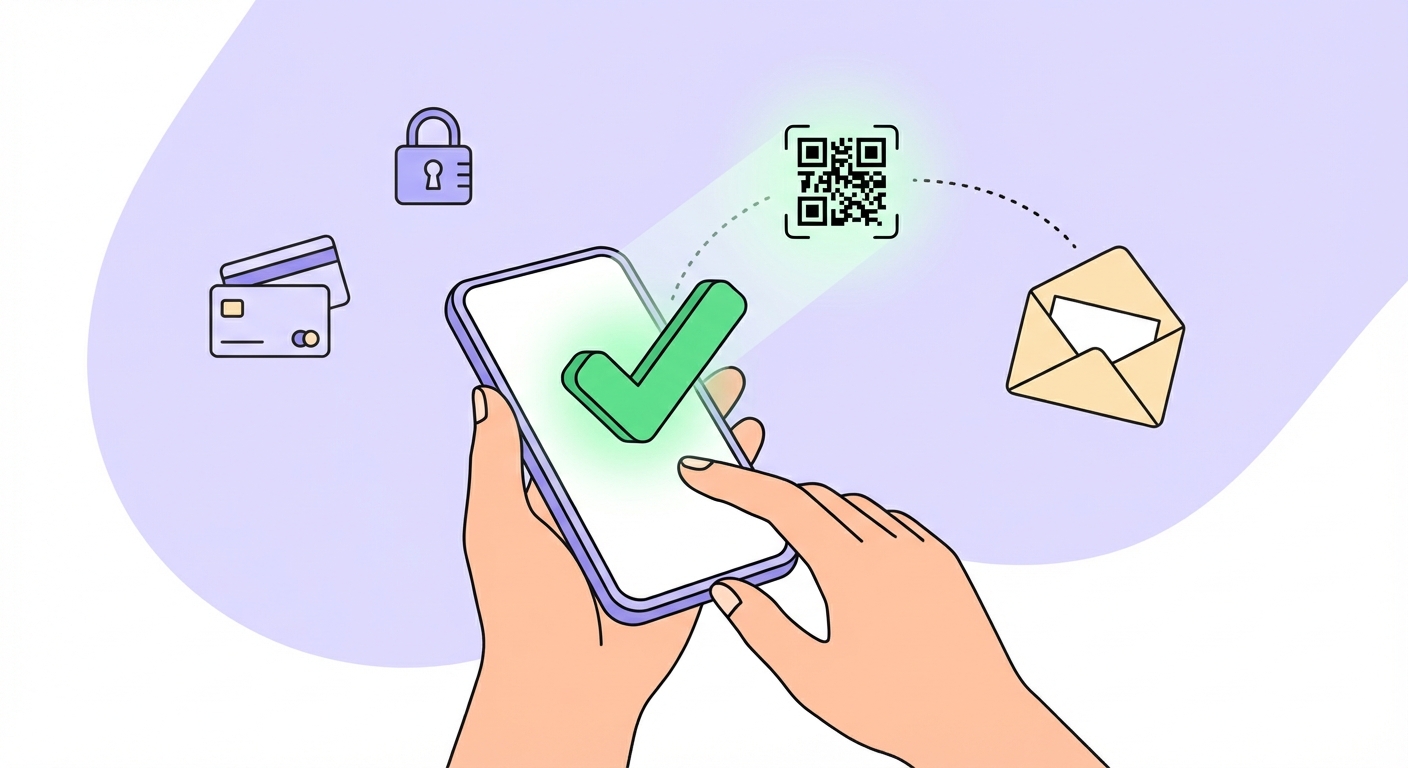
Pay securely — get your QR instantly
Checkout is done in under 30 seconds. Pay by card, Apple Pay, or Google Pay — all securely processed by Stripe. Your eSIM QR code arrives in your email within seconds of payment.
Secure Payment





- No hidden fees
- SSL encrypted
- Card details never stored
- Instant email delivery
Step
3
Scan & connect
Open your mobile phone's Settings, go to Cellular / Mobile Data → Add eSIM, then scan the QR code from your email. Your plan is ready to use — you can install it before you leave and activate it when you arrive.
For iPhone:
- Settings → Cellular → Add eSIM
- Choose "Use QR code"
- Scan the QR from your email
- Name it (e.g. "Japan trip") and finish