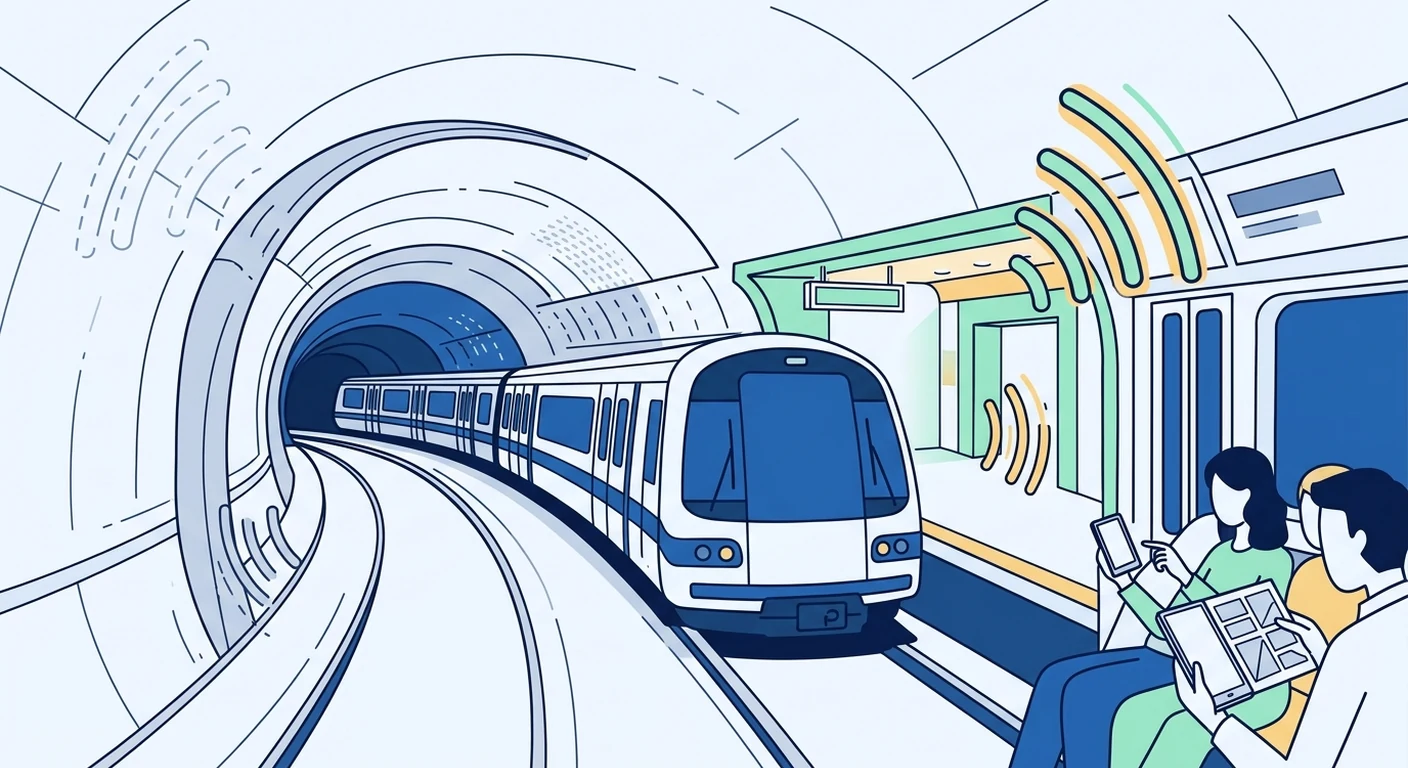
When you travel by metro or train, mobile data can be patchy or disappear entirely in tunnels and underground sections. This page explains why that happens and how you can prepare before you leave home, so you are not left without a connection when you need it most.
Why mobile data is unreliable underground
Underground environments block or weaken the radio signals that mobile phones use. Concrete, earth and metal structures absorb or reflect those signals, which is why a full-strength connection above ground often drops to nothing just a few metres below it.
In tunnels, the situation is more complex. Even where operators have installed special antennas or repeaters, the signal can fade as the train moves quickly between coverage zones. You may notice the connection switching between different carriers or network types, which can cause delays or temporary loss of data.
How trains affect your connection
Moving at speed inside a metal carriage creates its own challenges. The train body can shield the signal, and the rapid movement forces your phone to constantly switch between cell towers. Each handover takes a moment, and if the train is travelling faster than the network can manage, the connection may drop.
The effect varies by route, carrier and even by the type of train. Some newer trains have better windows that let more signal through, while older carriages may block more. You cannot control this, but you can plan for it.
Check coverage before you travel
Before your trip, look at the coverage maps for the places you plan to visit. Many carriers publish maps that show which areas have strong signals and which do not. Remember that these maps usually show outdoor coverage; tunnels, underground stations and deep indoor spaces are often not included or are marked as having no service.
If you are using a travel eSIM from TPG Mobile, note that coverage depends on the local partner networks in each country. The same route may have different signal quality depending on which partner network your phone connects to, and this can change as you move.
Set up your eSIM before you leave
Do not wait until you are underground to install your eSIM. Set it up while you are still at home or in a place with reliable Wi-Fi. This means downloading the eSIM profile, installing it on your phone, and making sure it is active. If you wait until you arrive, you might be in a dead zone with no way to get online.
Most travel eSIMs, including those from TPG Mobile, come with instructions for installation. Follow them carefully. If you have any issues, it is easier to solve them before you travel, when you still have your usual connection.
Keep your usual SIM card in your phone
You do not need to remove your Singapore SIM card when you travel. Keep it in the phone and use the eSIM for data. This way you can still receive SMS messages on your usual number, and you avoid the risk of losing or damaging the small SIM card.
Your phone will let you choose which SIM to use for data. Make sure the travel eSIM is selected for data before you leave. Also check that the phone is not set to automatically switch to your Singapore SIM for data when the eSIM signal is weak, because that could lead to unexpected roaming charges.
Plan your offline essentials
Even with a good data plan, there will be times when you are underground and cannot connect. Download what you need before you travel so that you are not reliant on a live connection.
- Download offline maps for the cities you are visiting, using apps like Google Maps or MAPS.ME.
- Save any booking confirmations, tickets and hotel addresses to your phone's offline storage.
- Download music, podcasts, e-books or movies for entertainment during long journeys.
- Save a list of important phone numbers, in case you need to call someone and cannot use data.
These steps take only a few minutes but can save you a lot of frustration when the signal drops.
What to do when you lose signal
If you lose data connection while underground, do not panic. The signal often returns when the train reaches the next station or an open-air section. Wait a few seconds and let your phone reconnect on its own.
If the connection does not return, try toggling airplane mode on and off. This forces your phone to search for a new signal. If that does not help, you may be in an area with genuinely no coverage, and you will need to wait until you are above ground again.
Use Wi-Fi when available
Many metro systems and train stations offer free Wi-Fi, although it may require registration or have time limits. Connecting to these networks can help you save your mobile data for times when Wi-Fi is not available.
Be cautious with public Wi-Fi. Avoid accessing sensitive information like banking apps or personal accounts unless you are sure the connection is secure. It is often safer to use your mobile data for those activities.
Choose the right data plan for your trip
Think about how much data you will need for the duration of your trip. If you plan to use maps, messaging and social media, a small plan may be enough. If you need to stream video or work remotely, you will want more data.
TPG Mobile offers a range of travel eSIM plans for different destinations and durations. You can select a plan based on the countries you are visiting and how long you will be away. It is worth comparing the data allowance with your typical usage to avoid running out mid-trip.
Remember that data usage can be higher than expected when you are travelling, because you may rely on your phone more than usual for navigation, translation and booking. Having a little extra data can give you peace of mind.
Understand the limits of any eSIM
No eSIM can guarantee coverage everywhere, including underground. The quality of your connection depends on the local networks in each country, the terrain, and even the weather. TPG Mobile provides a travel eSIM service, but it does not own the networks you will connect to.
Before you buy, check the coverage information for your destination and read the product details carefully. Some plans include data in multiple countries, while others are specific to one country. Make sure the plan you choose matches your itinerary.
Be prepared for the unexpected
Even with careful planning, there will be moments when mobile data is not available. Carry a physical backup, such as a paper map or a printed copy of your hotel address. Keep your phone charged, because using GPS and data drains the battery quickly, especially when the signal is weak.
A small power bank can be a lifesaver on a long day of travelling. If you are going to be underground for extended periods, consider downloading a few offline games or activities to keep yourself entertained.
Final tips for stress-free travel
Prepare your phone before you leave, download offline content, and understand that some signal loss is normal when travelling underground. With a travel eSIM from TPG Mobile set up in advance, you can focus on enjoying your trip rather than worrying about connectivity.
Remember that coverage varies by destination, carrier and route. No travel eSIM can guarantee a signal in every tunnel or on every train. But with the right preparation, you can minimise the inconvenience and stay connected for the moments that matter.
