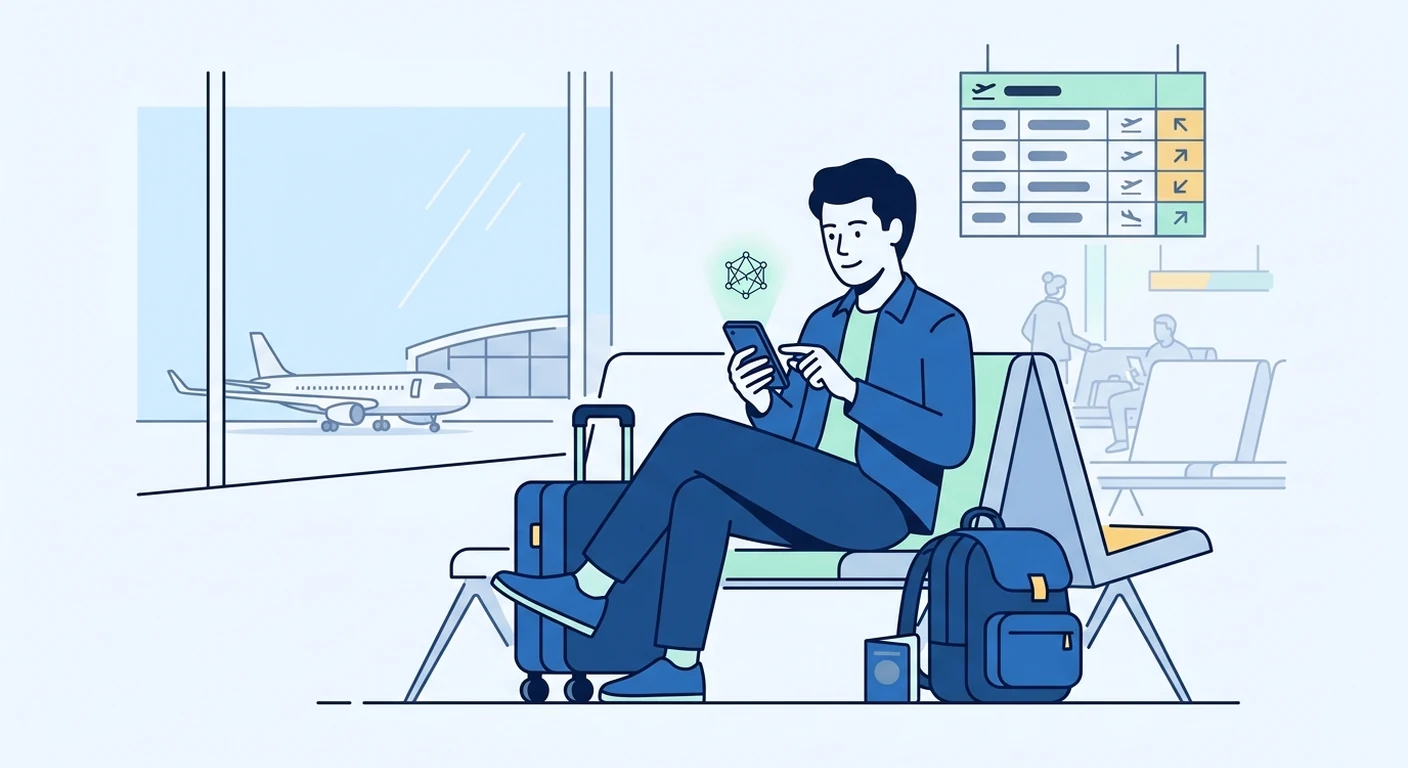
Knowing when to buy and install an eSIM before departure helps you travel with less stress and more connectivity. For most travellers from Singapore, the best time is a few days before your flight, once you have confirmed your itinerary. This gives you enough time to check device compatibility, complete the setup, and sort out any issues while you still have reliable internet at home.
Why timing matters for eSIM purchase and installation
The timing of your eSIM purchase and installation affects how smoothly you connect when you land. Buying too early can mean your plan's validity starts before you leave, wasting days of coverage. Buying too late can leave you rushing through setup at the airport or arriving without working data. A balanced approach, typically two to seven days before departure, works well for most trips.
Understanding validity periods and activation triggers
Validity periods and activation triggers vary between eSIM providers and plans. Some plans start counting from the moment you install the eSIM, while others begin when you first connect to a network at your destination. It is important to read the plan details carefully before purchase. If a plan activates upon installation, buy it closer to your departure date. If it activates on first connection, you can buy it earlier without losing days.
How activation triggers affect your purchase date
Activation triggers determine when your data plan's clock starts ticking. Some eSIMs activate instantly when the QR code is scanned and the profile is downloaded. Others activate only when your phone connects to a supported network in your destination country. For plans with instant activation, installing days before your flight shortens your usable period. For plans that activate on arrival, you can install anytime and still have the full validity ahead of you.
Check device compatibility before buying
Not all mobile phones support eSIM technology. Before you buy, check that your phone is eSIM-compatible and that it is not locked to a specific carrier. You can usually find this information in your phone's settings under 'Mobile data' or 'Cellular', or on the manufacturer's website. If you have an older model or a phone from certain regions, you may need to use a physical SIM instead. TPG Mobile provides guidance on compatible devices, but the final check should always be done on your own handset.
Where to find eSIM compatibility information
Your phone's settings menu is the most reliable place to check for eSIM support. Look for an option to add a mobile data plan or a section labelled 'SIM cards'. If you see a prompt to add a plan or an option to scan a QR code, your phone likely supports eSIM. You can also consult your phone's user manual or the manufacturer's official website. Remember that even within the same model, some variants may differ in eSIM capability.
Install your eSIM before you leave Singapore
Installing your eSIM before departure is strongly recommended. You will have a stable internet connection, access to any troubleshooting resources, and the ability to contact customer support if needed. Installation usually involves scanning a QR code or entering an activation code, and the process takes only a few minutes. Once installed, you can keep your usual Singapore SIM card in the phone for calls and messages, and switch to the eSIM for data when you arrive.
Steps to install your eSIM before the trip
- Check that your phone is eSIM-compatible and unlocked.
- Purchase your travel eSIM plan from TPG Mobile or another provider.
- Scan the QR code or enter the activation details in your phone's settings.
- Label the eSIM clearly, such as 'Travel data' or the destination country.
- Keep your primary SIM active for calls and texts, and set the eSIM as the data line for when you travel.
What happens if you install after arriving
Installing an eSIM after you land is possible, but it can be less convenient. You will need a Wi-Fi connection to download the eSIM profile, which may not be immediately available at the airport or in your accommodation. You might also have to deal with language barriers or unfamiliar settings if you encounter issues. If you choose to install after arrival, plan ahead: save the QR code or activation details offline, and know where you can find free Wi-Fi.
How early is too early to buy an eSIM
Buying an eSIM more than a month in advance is generally safe if the plan activates on first connection. However, if the plan starts on installation, purchasing too early can reduce the number of days you have available for your trip. Always check the validity and activation terms before you pay. For long trips, you may want to consider plans that offer longer validity periods, such as 30 days or more, to cover the entire journey.
Considerations for long or multi-country trips
If you are travelling for several weeks or visiting multiple countries, your data needs may be higher. Some eSIM plans offer regional coverage that works across several countries, which can be more convenient than buying a separate plan for each destination. Check the plan's coverage list and validity period to ensure it matches your itinerary. You can also top up or purchase an additional plan if you run out of data, but this may require another installation or an in-app purchase.
Keep your usual SIM card in your phone
One of the main advantages of an eSIM is that you can keep your usual Singapore SIM card in your phone. This allows you to receive SMS messages and calls on your regular number while using the eSIM for data overseas. You can also avoid roaming charges by turning off data roaming on your primary line. When you return home, simply switch the data line back to your usual SIM, and your phone will work as before.
Final tips for a smooth eSIM experience
To get the most out of your travel eSIM, plan ahead and give yourself time to test the connection before you leave. Once installed, you can try switching the data line to the eSIM and see if it connects to a network, though it may not work until you are in the destination country. Keep a screenshot of your eSIM details in case you need to reinstall it, and remember that you can always contact TPG Mobile's customer support if you have questions during setup.
Buying and installing an eSIM before departure is a simple step that can save you from expensive roaming charges and the hassle of finding a local SIM after landing. With a little planning, you can connect as soon as you arrive and focus on enjoying your trip.
