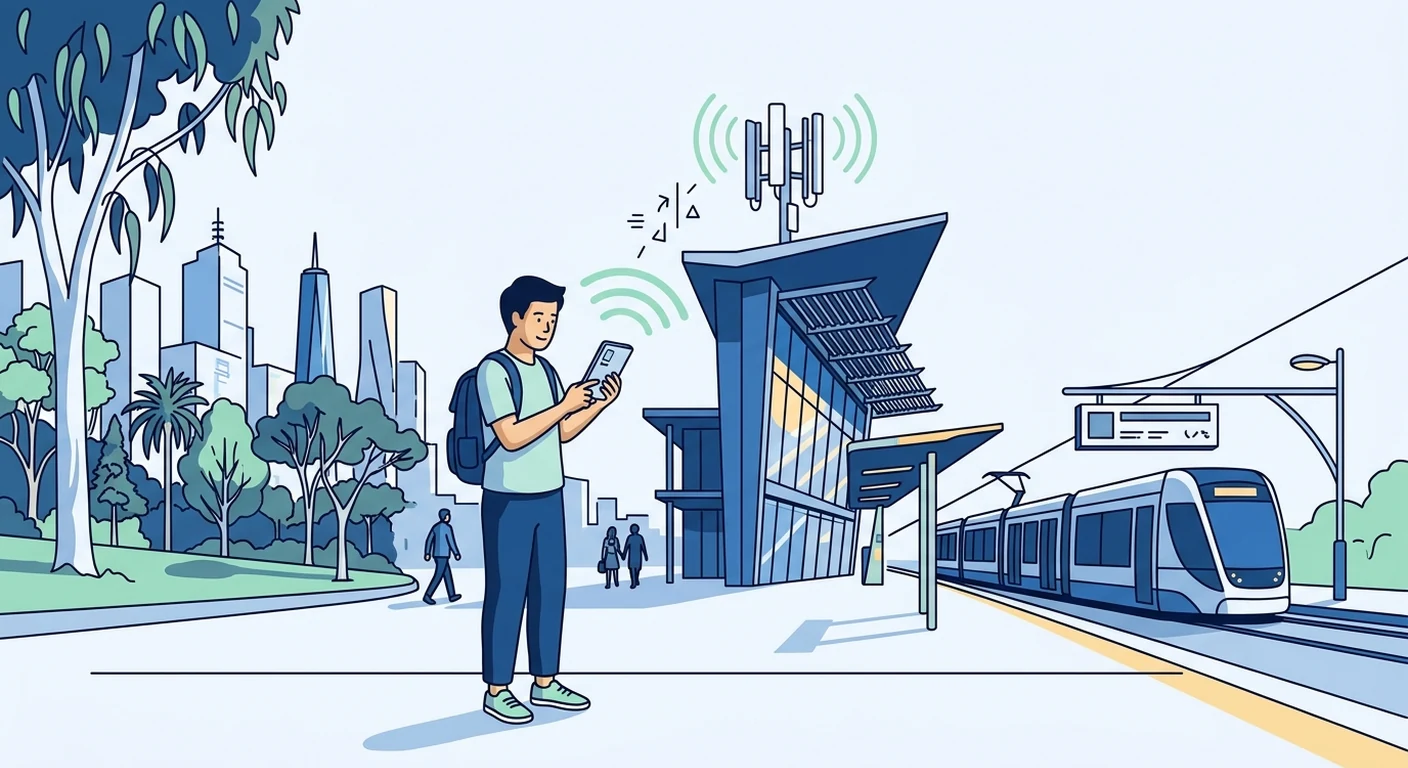
For Singapore-based travellers heading to Australia, the most straightforward way to stay connected is to install a travel eSIM before you fly. An eSIM from a storefront like TPG Mobile lets you pre-purchase an Australia data plan, install it on your phone while still in Singapore, and connect to a local network the moment you land. This guide explains how to check compatibility, set up before departure, manage dual SIMs, and troubleshoot common issues, so you can focus on your holiday rather than hunting for a SIM card.
Understanding Australia's Mobile Network Landscape
Australia's mobile coverage is shaped by its geography. The major operators-Telstra, Optus, and Vodafone-have extensive networks in cities and coastal areas, but the vast interior, often called the Outback, has sparser coverage. When you use a travel eSIM, your data usually rides on one of these local networks, and the quality can vary depending on where you are. For example, Sydney and Melbourne's urban centres typically have strong signals, while remote national parks or the Great Barrier Reef region may have limited or no service. Your eSIM's coverage depends on the local operator agreements, so it is wise to check the coverage maps or descriptions provided by your eSIM provider before you travel.
eSIM: The Modern Traveller's Solution
A travel eSIM is a digital SIM profile that you download onto your phone, replacing the need for a physical SIM card. For Singapore travellers, this means you can purchase an Australia data plan online, receive a QR code or activation link via email, and install the profile while still at home. The main advantage is convenience: you avoid queuing at airport kiosks and do not need to swap out your Singapore SIM. Your usual SIM can stay in the phone for receiving calls and SMS, while the eSIM handles data. Most recent smartphones from Apple, Google, and Samsung support eSIM, but older models may not, so check your device's specifications before buying. The installation process usually takes a few minutes, and once the profile is added, you can manage your data usage through your phone's settings.
Traditional SIM Cards and Local Carriers
If your phone does not support eSIM, or if you prefer a physical card, you can buy a prepaid SIM from local carriers such as Telstra, Optus, or Vodafone after arriving in Australia. These are available at airports, convenience stores, and mobile phone shops. Prepaid SIMs often come with generous data allowances, and some include unlimited calls to Australian numbers. However, there are trade-offs: you need to find a store, may need to show identification for activation, and you will temporarily lose your Singapore number unless your phone is dual-SIM capable. For most travellers, an eSIM is simpler because you can set everything up before leaving, but a local SIM is a reliable backup if your device lacks eSIM support or if you need a local phone number for services.
Wi-Fi Networks and Backup Connectivity
In Australia, Wi-Fi is widely available in hotels, cafes, shopping centres, and some public transport. Many accommodation providers include free Wi-Fi, and libraries often offer public access. However, Wi-Fi is not always reliable or secure, especially in remote areas. Using public Wi-Fi for banking or personal communications carries risks, so consider a VPN if you need extra security. Your eSIM data plan serves as a backup when Wi-Fi is unavailable or slow, and it is particularly useful for navigation, ride-hailing, and quick searches. To conserve data, you can set your phone to download maps for offline use, and some apps have offline modes. Remember that Wi-Fi does not cover the Outback or remote regions, so your eSIM or a local SIM remains essential for connectivity outside urban areas.
Practical Tips for Staying Connected
Before you leave Singapore, confirm that your phone is eSIM-compatible and unlocked. Then purchase a data plan that matches your trip length and usage. For example, a short city break may only need a few gigabytes, while a longer trip with heavy navigation and social media could require more. Install the eSIM profile at home, but do not activate the data until you arrive in Australia, unless you want to start using it immediately upon landing. On arrival, enable the eSIM line in your phone's settings, and disable data roaming for your Singapore SIM to avoid accidental charges. If you are using dual SIMs, set the eSIM as the default for data. If you encounter connection issues, try toggling airplane mode on and off, restarting your phone, or manually selecting a network in the settings. If problems persist, check your eSIM provider's support resources, as they may have specific troubleshooting steps or regional advice. Always carry a portable power bank, as heavy data use can drain your battery, and consider downloading offline maps for areas with poor coverage.
Safe Troubleshooting and Staying Prepared
Even with a well-installed eSIM, you might face connectivity hiccups. Start by checking that your phone's software is up to date, as older versions can cause compatibility issues. If you see 'No Service' or 'SOS Only', move to a different location or try a manual network search. In Australia, you can often select a network manually, and your eSIM may allow you to choose between operators. If your data is slow, check if you have exceeded your plan's fair usage limit; some providers throttle speeds after a cap. Never attempt to 'fix' your eSIM by deleting the profile unless you have a backup, as you may need to re-download it with a new QR code. Keep a screenshot of your eSIM's QR code and your plan details in a safe place, such as your email, in case you need to reinstall. Finally, remember that an eSIM provides data, not a local phone number, so for calls to Australian numbers, you may need to use VoIP apps like WhatsApp or Skype. By preparing before departure and knowing these troubleshooting steps, you can enjoy a smooth and connected trip across Australia, from Sydney's harbour to the Great Barrier Reef and beyond.