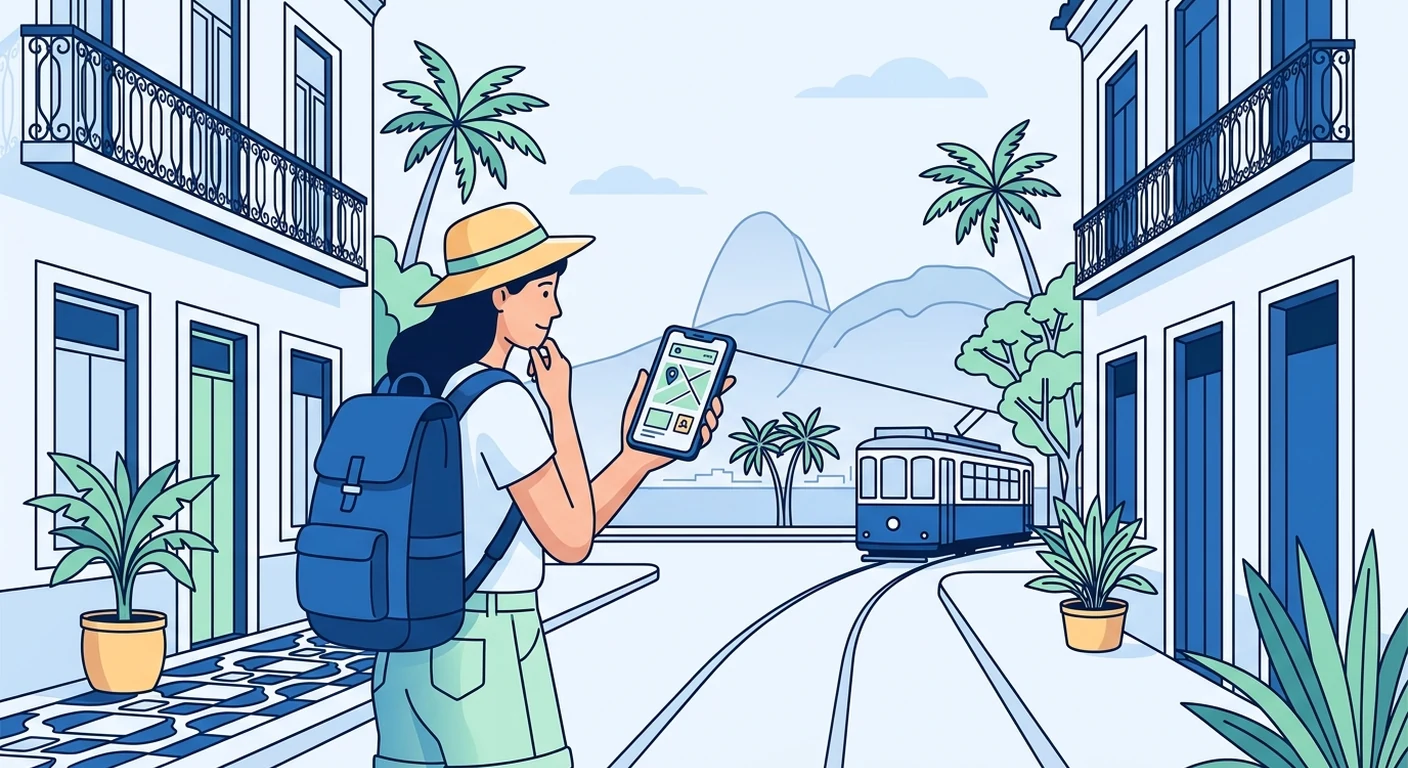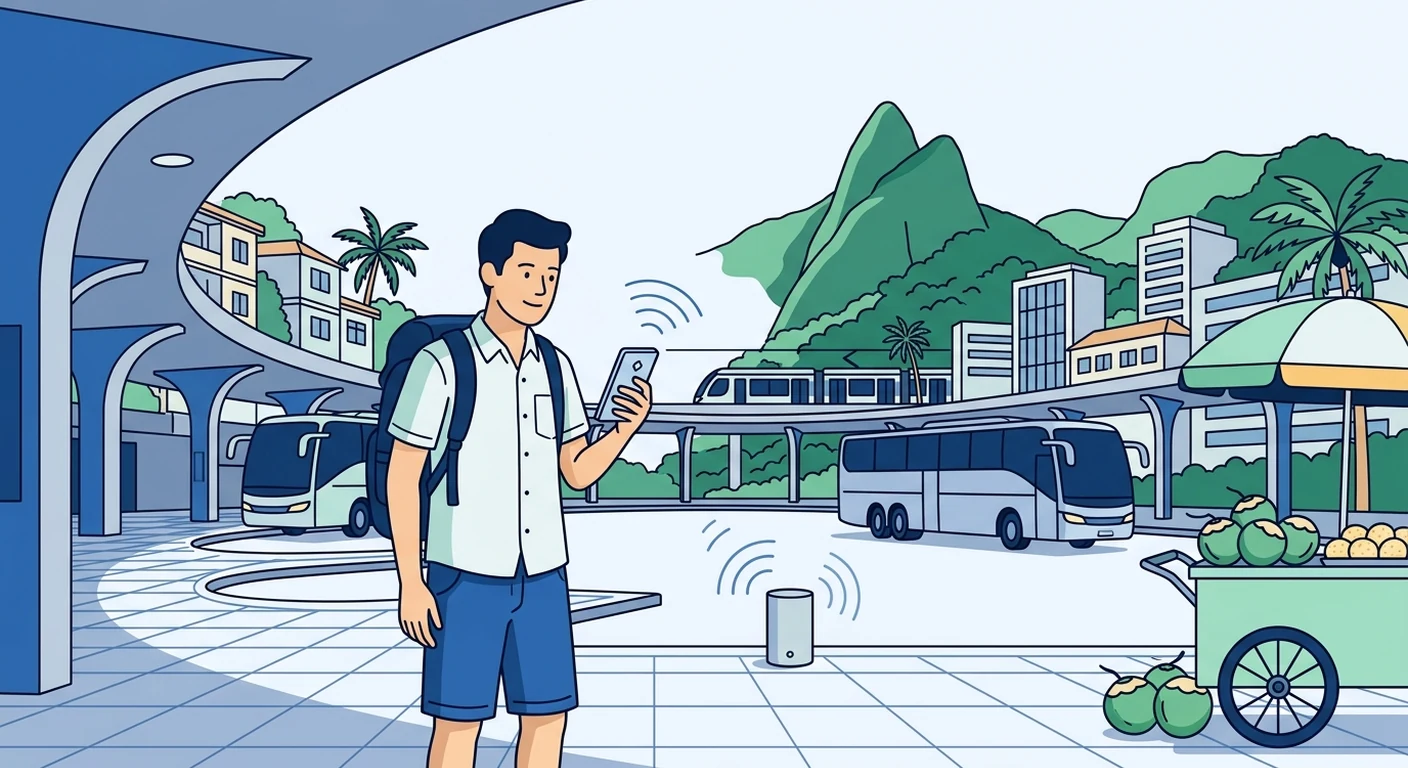
For Singapore travellers heading to Brazil, staying connected means choosing between your Singapore roaming plan, a local Brazilian SIM, or a travel eSIM. A travel eSIM is often the most convenient option because you can install it before departure and connect as soon as you land, without hunting for a local shop or dealing with roaming charges. This guide explains how to prepare, what to expect with Brazilian mobile coverage, and how to troubleshoot common issues safely.
Why a Travel eSIM Makes Sense for Brazil
Brazil is a vast country with a mix of dense cities, remote rainforest, and long coastlines. Roaming with a Singapore carrier can be expensive, and buying a local SIM after arrival means finding a store, presenting your passport, and possibly dealing with Portuguese. A travel eSIM, such as those offered by TPG Mobile, is a digital SIM that you download to your phone before you leave. It gives you a data plan for Brazil without replacing your usual Singapore SIM, so you can keep your number for WhatsApp and banking OTPs. The main benefit is convenience: you are ready to connect as soon as the plane touches down.
Checking Device Compatibility Before You Fly
Before purchasing any eSIM, check that your mobile phone is unlocked and supports eSIM technology. Most modern smartphones from Apple, Samsung, Google, and Huawei sold in Singapore are eSIM-compatible, but older models or some region-locked devices may not be. Also confirm that your phone is not carrier-locked to a Singapore telco; if it is, you will need to request an unlock before you can use a foreign eSIM. You can usually check eSIM support in your phone’s settings under “Mobile Data” or “Cellular,” or by looking up your model online. If your phone does not support eSIM, a local Brazilian SIM card is your fallback option, though you will need to buy it after arrival.
Installing and Setting Up Before Departure
The best time to install your travel eSIM is at home in Singapore, on a stable Wi-Fi connection. After purchasing your eSIM from a provider like TPG Mobile, you will receive a QR code or an activation code. Go to your phone’s settings, select “Add Mobile Data Plan” or “Add eSIM,” and scan the QR code. Follow the prompts to download the eSIM profile; do not delete the email or screenshot containing the code, as you may need it again if you reset your phone. Once installed, label the eSIM clearly, for example “Brazil Data,” so you can distinguish it from your Singapore line. Before departure, ensure that your default voice line remains your Singapore number, and turn on data roaming for the eSIM only. This preparation means you will not need to fiddle with settings at the airport.
Arrival Settings and Connecting in Brazil
When you land at Rio’s Galeão International Airport or any other Brazilian entry point, your phone should automatically connect to a local network if data roaming is enabled for the eSIM. If it does not, go to Settings > Mobile Data and manually select a network operator. Brazil has three major carriers-Vivo, Claro, and TIM-and your eSIM may connect to any of them depending on agreements and signal strength. In cities like Rio and São Paulo, 4G and 5G coverage is generally good, but in the Amazon region or the Lençóis Maranhenses dunes, coverage can be sparse or non-existent. If you are in a remote area, be prepared to be offline for stretches. Also, keep your usual Singapore SIM active for calls and SMS, but disable data roaming on that line to avoid unexpected charges. Your eSIM is data-only, so for voice calls you can use WhatsApp, Skype, or other internet-based apps.
Dual-SIM Use and Managing Both Lines
Using a dual-SIM phone with your Singapore SIM and a Brazil travel eSIM is straightforward once you understand the settings. You can choose which line uses data, and you can also allow calls and messages to come through on your Singapore number while you browse on the eSIM. For example, set the default data line to the eSIM, and keep your Singapore line as the default for voice and SMS. On iPhone, go to Settings > Mobile Data and select the eSIM as the data line. On Android, go to SIM card manager and pick the eSIM for mobile data. This setup lets you receive OTPs from your Singapore bank or use your Singapore number for WhatsApp, while all internet traffic goes through the Brazil eSIM. Be mindful that sending SMS or making calls on your Singapore line will incur roaming charges, so use Wi-Fi calling or internet apps whenever possible.
Troubleshooting Common Connectivity Issues
Even with a well-installed eSIM, you may occasionally face connection problems. If you have no signal, first toggle Airplane Mode on and off to force a network refresh. If that fails, manually select a network operator in your settings; sometimes your phone sticks to a weak network when a stronger one is available. Check that data roaming is enabled for the eSIM, and that the eSIM profile is not set to “Off.” If you are in a building or underground, move near a window or go outside. In rural areas like the Amazon or Lençóis Maranhenses, lack of coverage is normal; your eSIM will reconnect when you return to a populated area. If problems persist, contact your eSIM provider’s customer support, but keep in mind they cannot control local network coverage. For backup, you can always rely on Wi-Fi networks in hotels, cafés, and shopping centres, but never assume public Wi-Fi is secure-use a VPN for sensitive transactions.
Ultimately, a travel eSIM gives you the freedom to explore Brazil without worrying about expensive roaming or the hassle of buying a local SIM. By checking compatibility, installing before departure, and understanding how to manage dual SIMs, you can stay connected from the moment you land. Whether you are exploring Rio’s beaches, trekking in the Amazon, or visiting the Lençóis Maranhenses, a reliable data connection makes your trip smoother. Choose a data plan that matches your usage, and you can enjoy Brazil without connectivity stress.