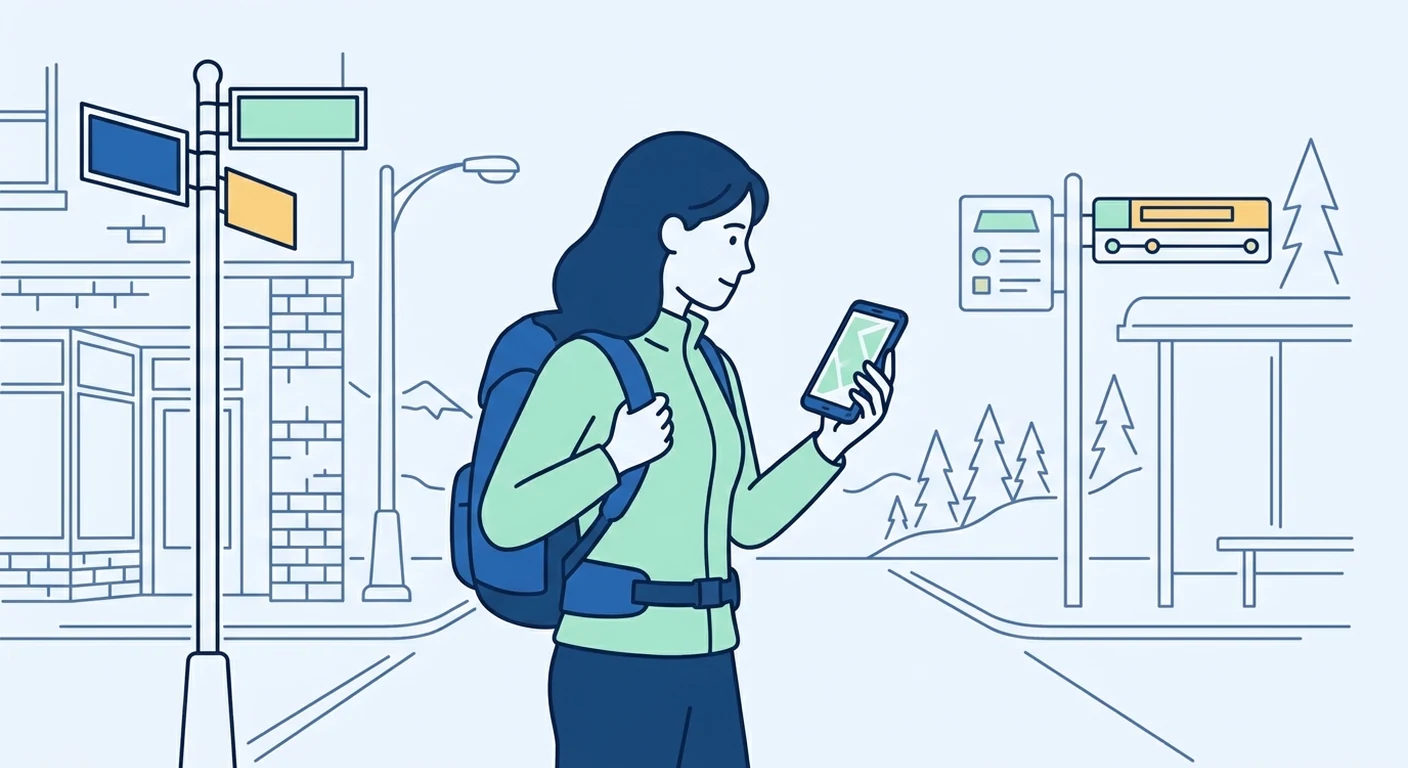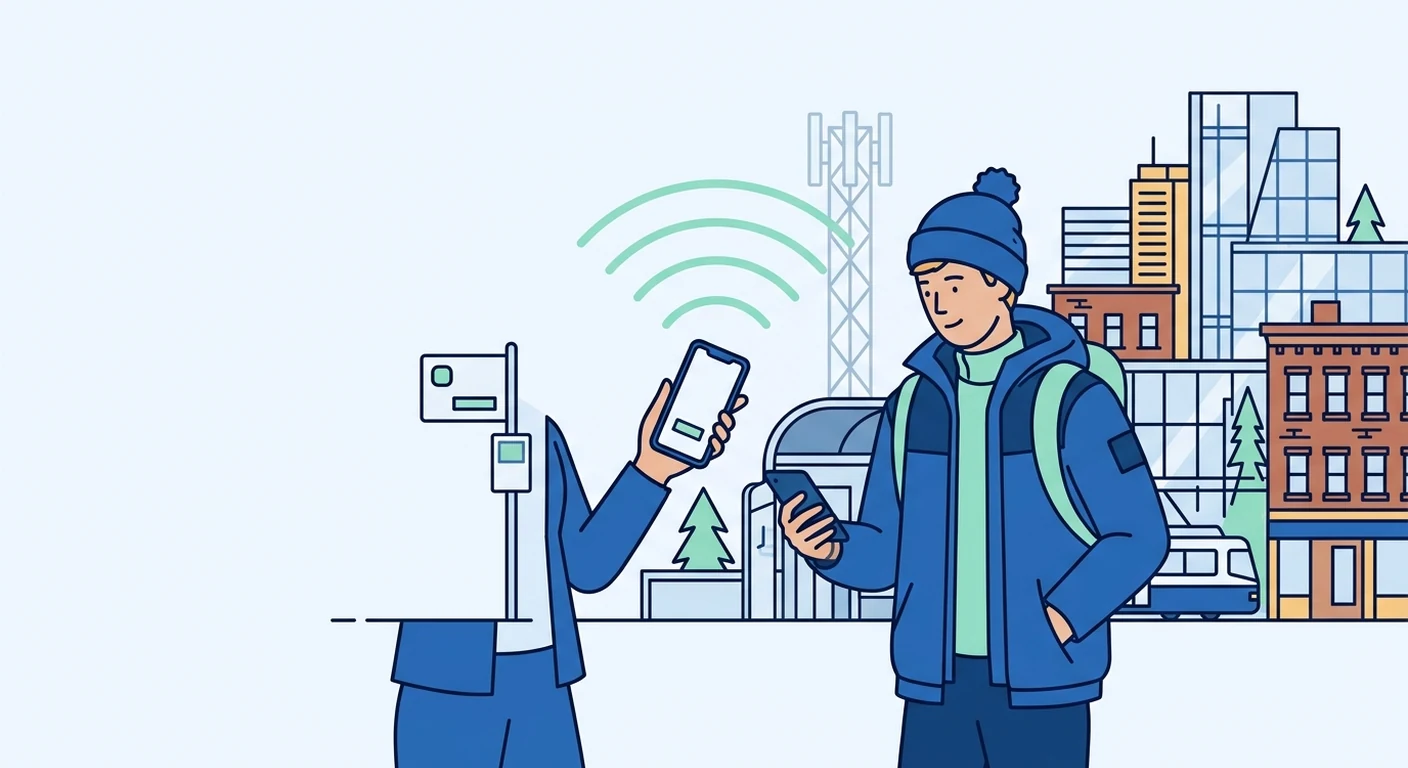
For Singapore-based travellers heading to Canada, a travel eSIM is a practical way to stay connected without facing steep roaming charges or hunting for a local SIM after landing. This guide explains how to choose the right data plan, install your eSIM before departure, and manage settings on arrival, so you can focus on exploring from Toronto's skyline to the Rocky Mountains.
Why a Travel eSIM Beats Roaming and Local SIMs in Canada
Roaming with a Singapore mobile number can be convenient, but daily roaming passes often add up quickly, especially on longer holidays. Buying a local SIM in Canada, on the other hand, requires finding a store after immigration, dealing with activation steps, and sometimes showing identification. A travel eSIM from a storefront like TPG Mobile solves both issues: you purchase a data-only plan before you fly, receive a QR code by email, and install it while still at home in Singapore. There is no physical SIM to swap, and you can keep your usual Singapore SIM active in the same phone for calls and SMS, using the eSIM purely for data.
Checking eSIM Compatibility and Phone Requirements
Before buying any eSIM plan, confirm that your mobile phone is unlocked and supports eSIM technology. Most recent models from Apple, Samsung, Google, and other major brands sold in Singapore support eSIM, but older budget phones may not. Check your phone's settings under 'Mobile Data' or 'Cellular' for an option to add a mobile plan; if you see 'Add eSIM' or 'Add Data Plan', your device is likely compatible. Also ensure your phone is not carrier-locked, as a locked phone may refuse to accept a new eSIM profile. If you are unsure, contact your current Singapore operator or check the phone's official specifications online.
Choosing the Right Data Amount for Your Canada Trip
Deciding how much data to buy depends on how you use your phone. Light users who only check maps and messaging apps might manage with 1 GB per week, while heavy users who stream videos or make video calls could need 1 GB per day. Consider your itinerary: a city trip to Toronto or Vancouver may have more Wi-Fi opportunities, whereas a road trip through Banff National Park or the Rocky Mountains might require more mobile data for navigation and browsing. As a rule, estimate your typical weekly usage at home and add a small buffer for unexpected needs. Many travel eSIM providers, including TPG Mobile, offer flexible plans, so you can select a data amount that matches your trip length without paying for unused gigabytes.
Installing Your eSIM Before Departure
Installation is best done at home in Singapore, where you have a stable internet connection and can follow the steps calmly. After purchasing your plan, you will receive a QR code or an installation link. Go to your phone's settings, select 'Add eSIM' or 'Add Data Plan', and scan the QR code. The profile will download, and you may be prompted to label it, for example 'Canada eSIM'. Do not remove your Singapore SIM; keep it in the phone, but set the eSIM as the default line for mobile data. You can also enable 'Data Roaming' for the eSIM, as travel eSIMs require roaming to connect to Canadian networks. Once installed, the eSIM will remain dormant until you arrive in Canada, so there is no risk of accidental charges.
On Arrival: Connecting to Canadian Networks
When your plane lands in Canada, the eSIM should automatically connect to a local network. If it does not, switch on the eSIM line and ensure data roaming is enabled for that specific profile. On an iPhone, go to Settings > Mobile Data and select the eSIM; on Android, go to Network & Internet > Mobile Network. If you see 'No Service', try toggling Airplane Mode on and off, or manually select a network operator from the available list-common Canadian networks include Bell Mobility, Rogers Wireless, and Telus. Signal strength varies by region: urban areas like Toronto's downtown and Vancouver have excellent coverage, but rural stretches, mountainous regions, and remote parks may have weaker or no signal. This is normal, so plan offline maps and download essential content before heading into the wilderness.
Using Dual SIM: Keeping Your Singapore Number Active
One of the main benefits of a travel eSIM is the ability to keep your Singapore SIM in the phone simultaneously. This means you can still receive SMS and calls on your usual number, which is useful for banking OTPs or staying reachable for family. Set the eSIM as the primary data line, and your Singapore SIM for voice and SMS. On iPhone, you can assign one line for data and another for calls; on Android, the process is similar under 'SIM card manager'. Note that calls made over the Singapore SIM while abroad will incur roaming charges from your home operator, so consider using Wi-Fi calling or messaging apps over the eSIM data to avoid extra costs. Also, ensure that your phone's settings do not automatically switch data back to the Singapore SIM, which could lead to unexpected roaming fees.
Safe Troubleshooting and Staying Connected in Canada
Even with careful preparation, occasional hiccups happen. If your eSIM shows no signal, first restart your phone-this often resolves connection issues. Check that the eSIM profile is enabled and that data roaming is on. If the problem persists, verify that your plan has not expired and that you have not exceeded the data limit. Some travel eSIMs allow top-ups, so you can add more data if needed. In cities, public libraries and many coffee shops offer free Wi-Fi, though you may need to agree to terms or provide an email. Hotels usually provide Wi-Fi, but it may be slow or require a password. If you are in a remote area with no signal, be patient and drive to the nearest town; coverage is generally reliable along major highways. For persistent issues, contact your eSIM provider's support team, as they can check whether the profile is active and help with reinstallation.
Preparing a travel eSIM for Canada is a straightforward process that saves money and hassle. By checking compatibility, choosing the right data amount, installing before departure, and understanding how to manage dual SIMs, you can enjoy a smooth connection from Niagara Falls to the Rocky Mountains. Always remember to download offline maps and important documents in advance, as even the best eSIM cannot guarantee coverage in every remote corner of Canada.