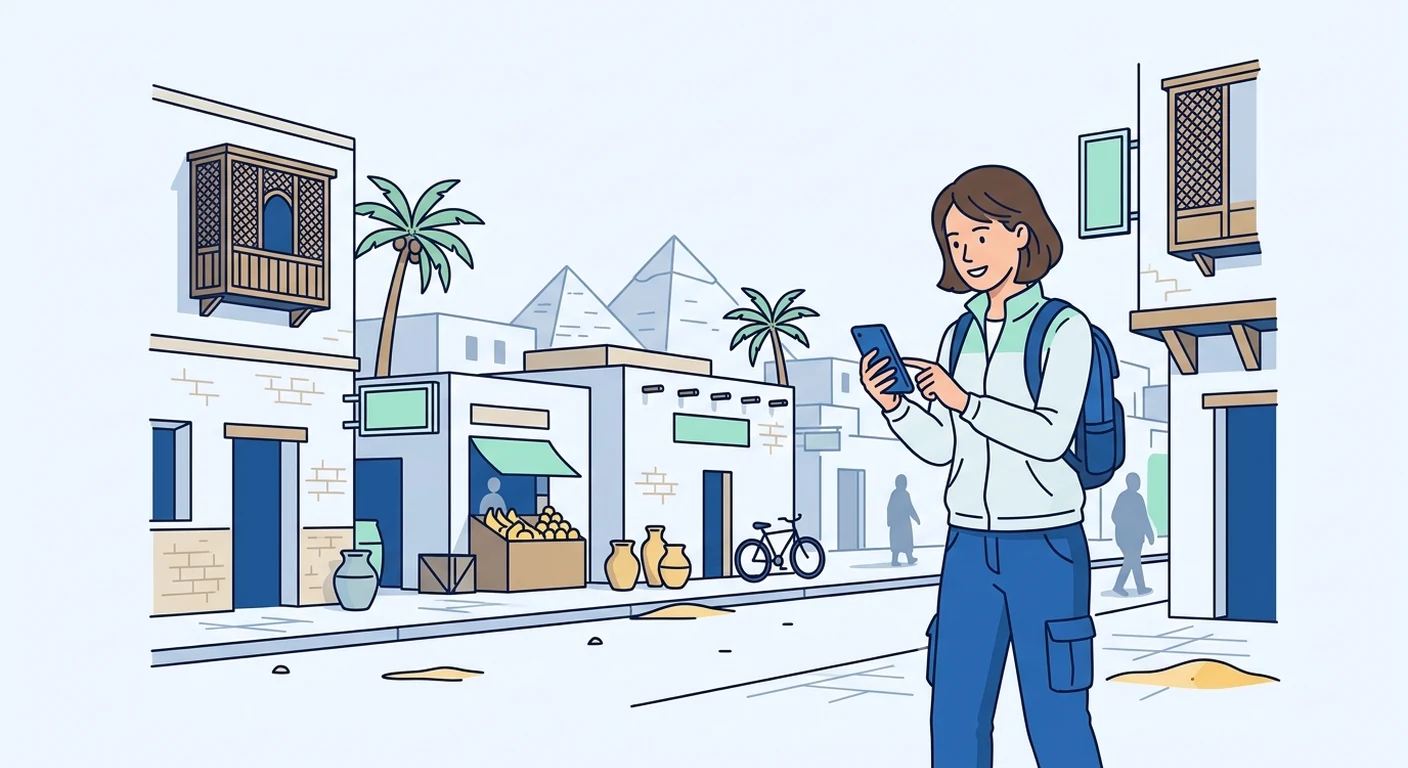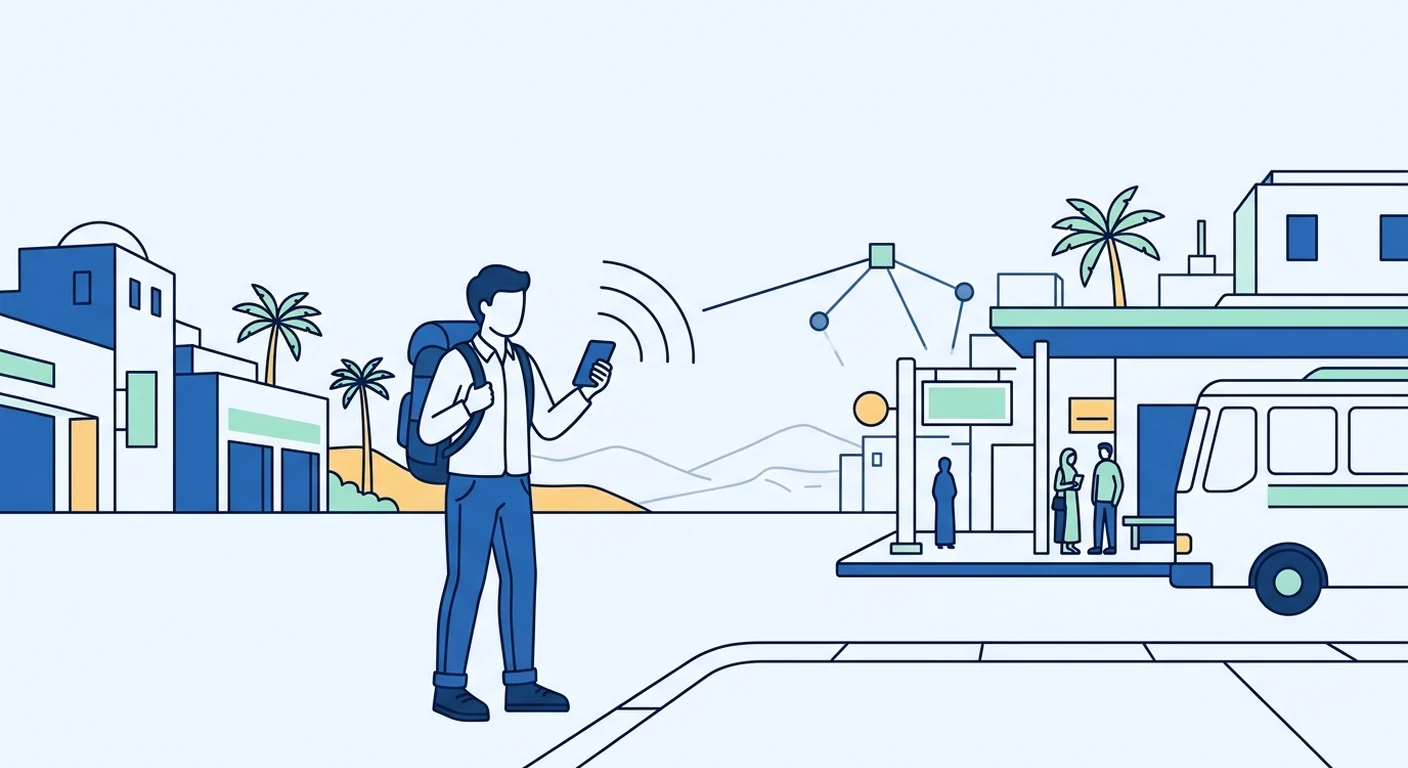
For Singapore-based travellers heading to Egypt, a travel eSIM offers a straightforward way to stay connected without racking up roaming charges or hunting for a local SIM after landing. This guide explains how to choose the right data plan, check device compatibility, install the eSIM before departure, and manage your connection on arrival-so you can focus on the pyramids, the Nile, and the bustling streets of Cairo rather than connectivity issues.
Why a Travel eSIM Beats Roaming and Local SIMs in Egypt
Roaming from Singapore can be expensive, and buying a local SIM in Egypt often involves paperwork, passport registration, and potential language barriers. A travel eSIM, such as those offered by TPG Mobile, lets you purchase a data plan online before you fly, then activate it on arrival without visiting a shop. You keep your usual Singapore SIM card in the phone for calls and SMS, while the eSIM handles overseas data. This setup is especially practical if you are transiting through Cairo or moving quickly between cities like Giza, Luxor, and Aswan.
Check eSIM Compatibility and Unlock Status Before You Fly
Not every mobile phone supports eSIM, so verify compatibility before you book your plan. Most recent iPhone models, many Google Pixel devices, and newer Samsung Galaxy phones support eSIM, but older or budget models may not. Also, ensure your phone is network-unlocked; a device locked to a Singapore carrier may not accept a foreign eSIM. Check your phone's settings under 'Cellular' or 'Mobile Data' for an 'Add eSIM' option, or consult your device manufacturer's website. If your phone lacks eSIM, a physical local SIM from providers like Vodafone Egypt, Etisalat, or Orange Egypt remains a budget-friendly alternative, though it requires more effort on the ground.
Choose the Right Data Amount for Your Egypt Itinerary
Egypt's connectivity varies by region, so think about your data needs based on your plans. If you are staying in tourist zones like Giza or along the Nile in Luxor, you might use data for maps, messaging, and photo uploads-roughly 1 to 2 GB per day is a safe estimate for moderate use. For longer trips or if you rely on video calls or streaming, consider a plan with 5 GB or more. If you are travelling to more remote areas such as the Western Desert or Upper Egypt, signal can be weaker, so you may not use as much data-but having a buffer is wise. TPG Mobile offers various data allowances, so match the plan to your trip length and usage patterns.
Install the eSIM Before Departure: Step-by-Step Setup
Installing your travel eSIM before leaving Singapore is the most reliable approach. After purchasing your plan from TPG Mobile, you will receive a QR code or an installation link. Connect to Wi-Fi, go to your phone's settings, and select 'Add eSIM' or 'Add Cellular Plan'. Scan the QR code or follow the on-screen instructions. The eSIM profile will download, but it usually remains inactive until you reach Egypt. Do not delete your primary SIM; keep it active for calls and SMS. Before your flight, test that the eSIM is listed in your settings, but do not enable it until you land. This preparation means you avoid any last-minute issues at the airport.
Arrival in Egypt: Activate and Connect on Day One
When you land at Cairo International Airport or another entry point, switch off airplane mode and enable the eSIM in your settings. For many travel eSIMs, data will connect automatically within a few minutes. If it does not, manually select a local network from the list-options often include Vodafone Egypt, Etisalat, and Orange Egypt. Make sure 'Data Roaming' is turned on for the eSIM line, as travel eSIMs require this setting even though they do not incur roaming charges from your home carrier. If you have dual SIMs, set the eSIM as the default line for mobile data, while keeping your Singapore SIM for calls and texts. This step is crucial to avoid accidentally using your home data plan.
Managing Signal Variations and Safe Troubleshooting
Egypt's mobile coverage is generally good in cities and tourist areas, but you may encounter weak signals in desert regions or on long drives between cities. Do not be alarmed; this is normal. If you lose connectivity, first toggle airplane mode off and on to re-register with the network. If that fails, restart your phone. Check that the eSIM plan has remaining data by logging into your TPG Mobile account or checking the plan details. Avoid repeatedly switching networks or adjusting APN settings unless you have clear instructions, as this can cause issues. For critical communication, keep emergency contacts written down-including your hotel's address and local embassy numbers-since a mobile connection is not guaranteed everywhere.
Practical Tips for Staying Connected Throughout Egypt
Beyond the eSIM itself, a few habits can keep you connected and save battery. Download offline maps for Cairo, Giza, Luxor, and other destinations before you travel; Google Maps and other apps allow this, which is useful if your data runs out or signal drops. Bring a portable charger, as heavy map use and photo taking can drain your battery quickly. Test connectivity early in your trip-right after landing-so you can resolve any issues while still near the airport. Use messaging apps like WhatsApp or Telegram for texts and calls over Wi-Fi or data, which can be more reliable than standard calls. If you are staying at a hotel, ask for Wi-Fi passwords at check-in; many properties in tourist zones offer stable connections, though speeds vary. Finally, carry a small power bank, because navigation and photography will use more battery than you expect.
With a travel eSIM from TPG Mobile, you can enjoy Egypt's ancient wonders without the stress of connectivity. By preparing before departure, understanding your device, and following simple troubleshooting steps, you will stay online for maps, bookings, and sharing moments with family back home. Plan ahead, pack a portable charger, and you are ready for a smooth digital experience along the Nile.