Practical eSIM knowledge
Independent setup, troubleshooting, security, data-planning and travel guidance from TPG Mobile.

How to Find Your EID Number Before Buying a Travel eSIM
Your EID helps identify the eSIM chip inside your phone. Finding it takes about one minute. It can also save you from buying a plan your phone cannot use.
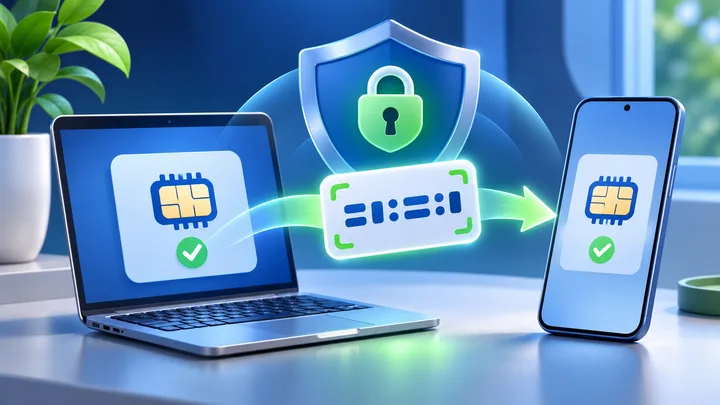
How to Get an eSIM QR Code Without Exposing It
An eSIM QR code is a setup item, not a travel photo. Use this guide to move it from your provider to your phone with fewer chances for it to leak.

How to Download an eSIM When Hotel Wi-Fi Has a Login Page
A full Wi-Fi icon does not always mean your phone has internet. Hotel networks often make you finish a browser login before an eSIM can download.
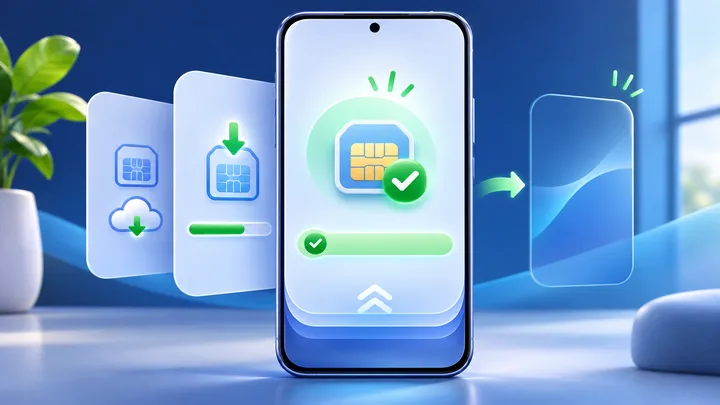
How to Verify an eSIM Download Before Closing the Setup Screen
A setup screen can disappear before you know what worked. Check the phone’s SIM list, line state, and plan details while the evidence is still in front of you.
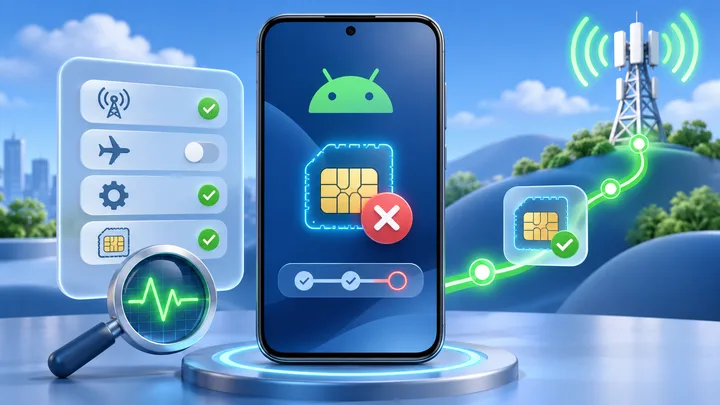
Why an eSIM Gets Stuck on Activating and How to Fix It
Activating can mean the phone is still downloading a profile, waiting for provider approval, or trying to join a covered network. Check which stage has stopped before changing settings.
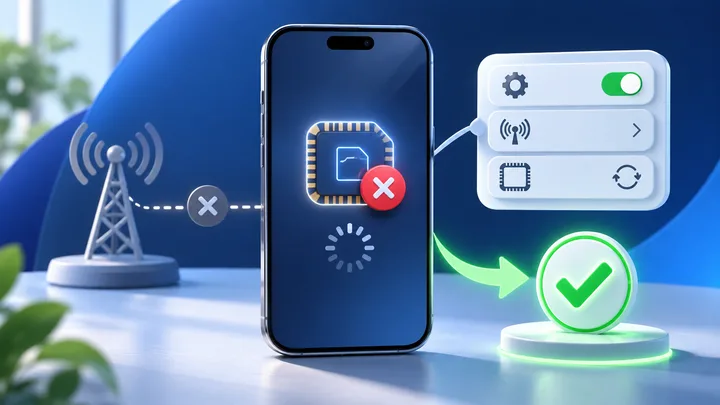
What to Do When an iPhone Cannot Activate an eSIM
Do not keep scanning the QR code. The screen where activation stops tells you whether to check iPhone hardware, a carrier lock, the profile order, or network registration.
What to Do When Android Cannot Activate an eSIM
Android is not one phone. Pixel and Galaxy use different menus, and the same model name can have different eSIM support by sales region. Diagnose the exact unit before changing network settings.

Why Your eSIM Shows No Service After You Land
No Service means the travel line has not joined a cellular network. Start with the line, roaming, automatic network choice, and covered-country checks before touching the APN.
How to Transfer an eSIM From iPhone to Android
Some new Pixel and Galaxy phones can ask an iPhone to transfer a supported carrier eSIM. The button does not make every plan portable. For TPG Mobile travel eSIMs, the installed profile cannot be moved to another phone, so contact support before deleting it.
How to Transfer an eSIM From Android to iPhone
Some new iPhones can ask an Android phone to move an eSIM. The carrier must allow it. A TPG Mobile travel eSIM cannot move after install. Leave it on Android and contact support before making changes.
How to Transfer an eSIM From One iPhone to Another
Apple's eSIM Quick Transfer can move a supported carrier line between nearby iPhones. It cannot move every travel eSIM. TPG Mobile locks an installed profile to its first device, so keep that line on the old iPhone and contact support.
How to Transfer an eSIM Between Samsung Phones
Samsung can move some carrier lines to a new Galaxy through SIM Manager. Both phones and the carrier must support the feature. TPG Mobile travel eSIMs do not move devices, even when Galaxy shows a transfer button.