Troubleshooting
Fix activation, QR-code, signal, data, hotspot, messaging, and dual-SIM problems in a safe order.
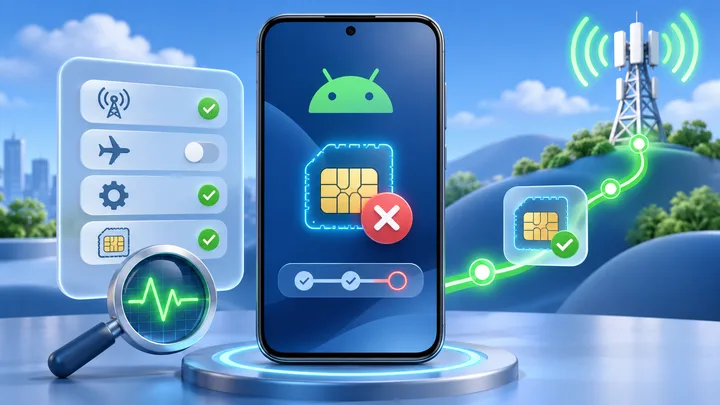
Why an eSIM Gets Stuck on Activating and How to Fix It
Activating can mean the phone is still downloading a profile, waiting for provider approval, or trying to join a covered network. Check which stage has stopped before changing settings.
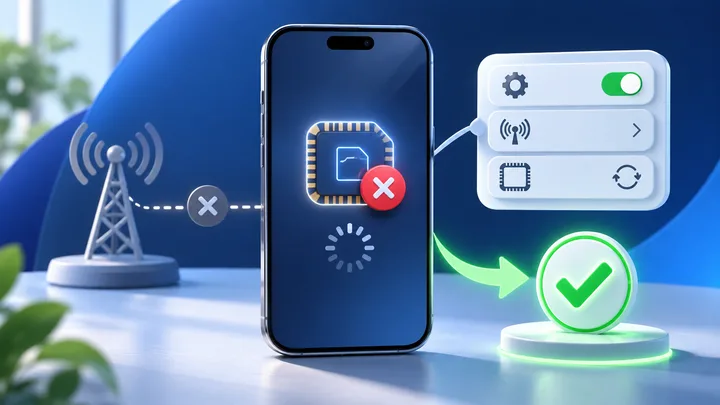
What to Do When an iPhone Cannot Activate an eSIM
Do not keep scanning the QR code. The screen where activation stops tells you whether to check iPhone hardware, a carrier lock, the profile order, or network registration.
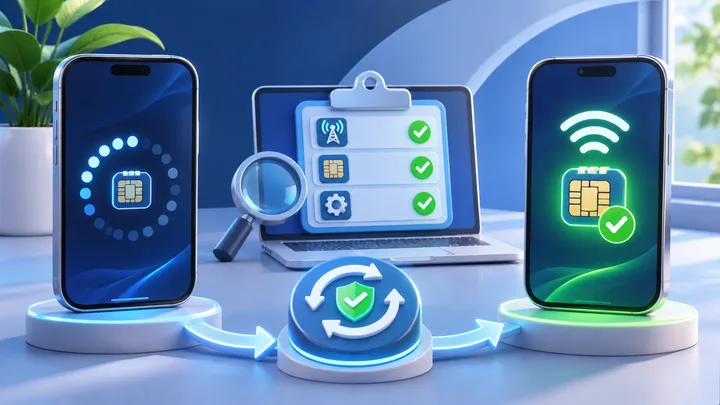
What to Do When Android Cannot Activate an eSIM
Android is not one phone. Pixel and Galaxy use different menus, and the same model name can have different eSIM support by sales region. Diagnose the exact unit before changing network settings.

Why Your eSIM Shows No Service After You Land
No Service means the travel line has not joined a cellular network. Start with the line, roaming, automatic network choice, and covered-country checks before touching the APN.