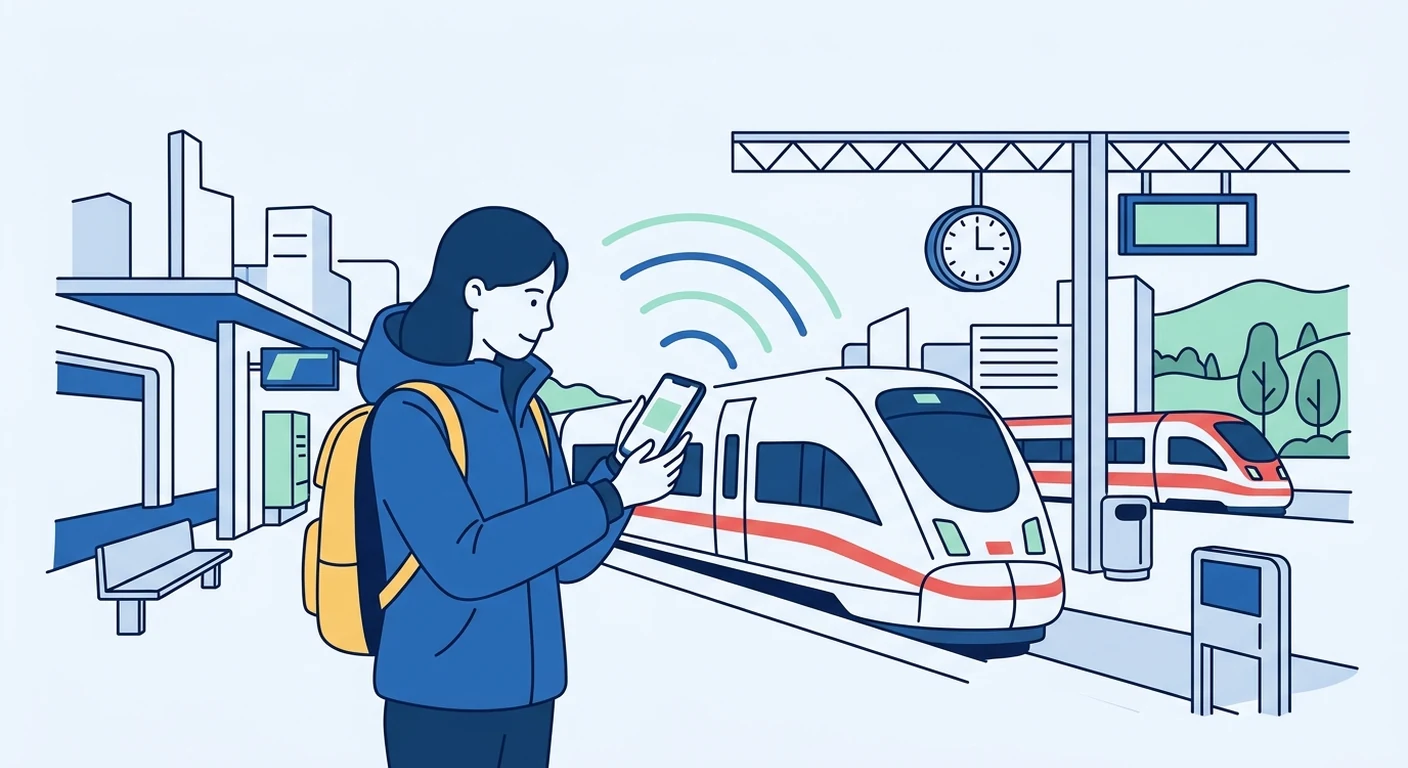
Travelling to Germany from Singapore means you will need reliable mobile data for maps, messaging, and staying in touch with family. A travel eSIM, such as those offered by TPG Mobile, lets you set up a data plan before you leave, so you can connect as soon as you land without hunting for a local SIM. This guide explains how to choose the right data amount, install your eSIM before departure, manage dual-SIM settings, and handle connectivity issues safely while exploring Germany.
Understanding Your Mobile Data Options
When travelling to Germany, your main choices are international roaming from your Singapore operator, a local SIM card, or a travel eSIM. Roaming is convenient but often expensive, and local SIM cards require you to find a shop after arrival, which can be time-consuming and may involve passport registration. A travel eSIM like the one from TPG Mobile provides a digital profile you install on your phone before you leave, giving you a set amount of data for Germany without the hassle of physical cards. This option is particularly useful for short trips, as you can select a plan that matches your duration and usage, and you avoid the risk of losing or damaging a tiny SIM card.
Choosing the Right Amount of Data for Your Germany Trip
Estimating your data needs depends on how you plan to use your phone. For a typical holiday in Germany, browsing maps, checking restaurant reviews, and sending messages might use around 1 to 2 GB per week. If you rely heavily on navigation, stream music or videos, or need to share your connection with a travel companion, you should consider a larger plan, such as 5 GB or more. Remember that German cities like Berlin and Munich have extensive public transport apps, and using these for real-time schedules can consume data. Think about your daily habits: do you watch short videos on social media, or do you prefer text-based apps? Choosing a plan with a little extra data gives you peace of mind, especially if you are travelling for work or study and need to stay productive.
Setting Up Your eSIM Before Departure
Install your travel eSIM before you fly to Germany. After purchasing a plan from TPG Mobile, you will receive a QR code or an installation link. Ensure your mobile phone is unlocked and supports eSIM technology - most recent models from Apple, Samsung, and Google do. Connect to a Wi-Fi network in Singapore, scan the QR code, and follow the prompts to add the eSIM profile. It is important to label the eSIM clearly, such as "Germany Data", so you can identify it later. Do not delete the eSIM after installation; it will remain dormant until you activate data roaming or select it as your data line. Also, check that your device's operating system is up to date, as older versions may have trouble with eSIM activation.
Arrival Settings and Dual-SIM Use
When you land in Germany, your phone will not automatically switch to the eSIM unless you have configured it. On most devices, you can go to Settings, then Mobile Data or Cellular, and select the eSIM as your data line. Your Singapore SIM can remain in the phone for calls and SMS, but you should turn off data roaming on that line to avoid unexpected charges. If your phone supports dual SIM dual standby, you can keep both lines active - the eSIM for data and your home SIM for voice. For example, you might receive a verification code on your Singapore number while using the eSIM for navigation. Just remember to set the default data line to the eSIM. If you have an iPhone, you can also enable "Allow Data Switching" to use your Singapore SIM for data when the eSIM has no coverage, but this may incur roaming fees, so proceed with caution.
Understanding Signal Variation and Local Operators
Germany's mobile coverage is generally good in cities and towns, but you may encounter weak signals in rural areas, forests, or during long train journeys. The country has several network operators, including Deutsche Telekom and Vodafone, and coverage can vary by region. For example, Bavaria's mountainous areas might have patchy reception, while Berlin's underground U-Bahn stations often have Wi-Fi but not always mobile data. Your travel eSIM will roam on one of these networks, and the signal strength depends on your location and the local infrastructure. Do not expect identical coverage everywhere; instead, plan for moments when you might be offline. Download offline maps for the cities you will visit, and save important addresses and hotel details in advance.
Safe Troubleshooting and Staying Connected
If you cannot connect after arrival, first check that your eSIM is enabled and that data roaming is turned on for that line - this is a common setting that many travellers overlook. Restart your phone, as this often resolves temporary network issues. If the problem persists, go to Settings and manually select a network operator; your phone will scan for available networks, and you can choose one that is not your default. Avoid toggling settings randomly, as this can lock your SIM or cause confusion. Another useful habit is to activate airplane mode when travelling in trains or cars, then turn it off after a few minutes; this forces your phone to reconnect to the strongest signal, saving battery and reducing data hiccups. For communication, use apps like WhatsApp or Telegram, which work well on data and are popular in Germany. If you are staying at a hotel, locate the Wi-Fi details at check-in and use it for large downloads or video calls. For offline navigation, download maps for Berlin, Munich, or the regions you plan to visit - this is especially helpful when you are in a tunnel or a remote village.
Best Practices for Staying Connected in Germany
To make the most of your travel eSIM, adopt a few simple habits. First, keep your phone's Wi-Fi on and connect to trusted networks whenever possible - hotels, cafes, and some public transport hubs offer free Wi-Fi, which can help you save data. Second, disable background app refresh for apps you do not need, and set messaging apps like WhatsApp or Telegram to use low-data mode. Third, locate your hotel's Wi-Fi details before you arrive, so you can connect immediately and avoid using mobile data for large downloads. Finally, consider downloading offline maps for Berlin, Munich, and other cities you plan to visit; this reduces your reliance on live data and helps you navigate even in areas with poor signal. By preparing your eSIM before departure and understanding how to troubleshoot, you can focus on enjoying Germany without worrying about connectivity.